Plan at Home.
Manage on Trail. Stay Safe.

Organize your gear, collaborate on trip plans, and share updates from the trail—all in one place.

Designed for trails where signal is spotty and every percent of battery matters.

Trailkeep logo
Pack Planner
Core features

Two Tools.
Together or Standalone.

Build your gear list, plan your trip, or do both—your way.

1

Pack Planner

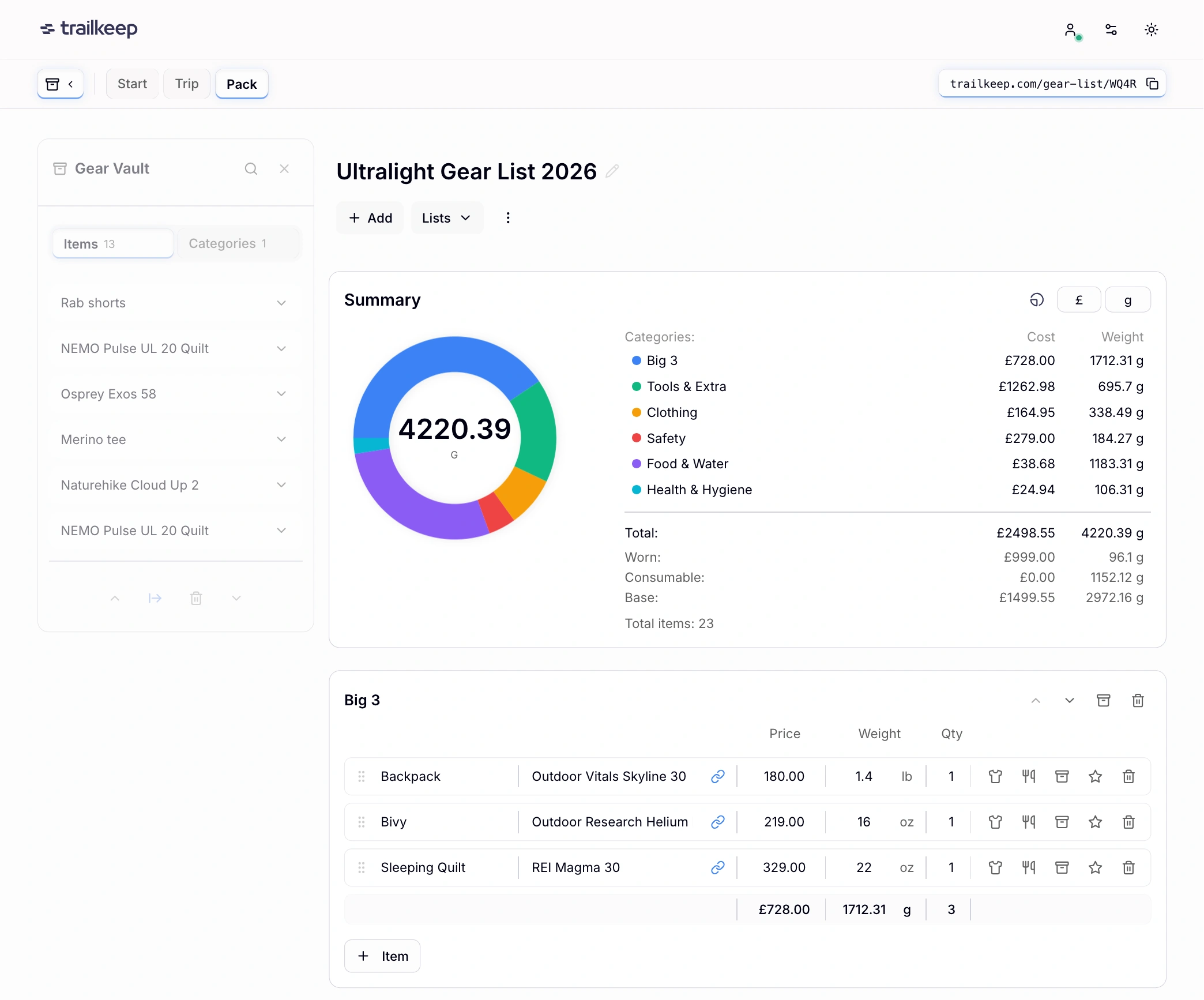
Gear list builder with LighterPack import
—dial in your kit fast.

Build

1.1

Create from scratch or import existing lists.
Check off items as you pack.
Share for feedback.

Gear Vault

1.2

Store gear to reuse across lists.

2

Trip Planner

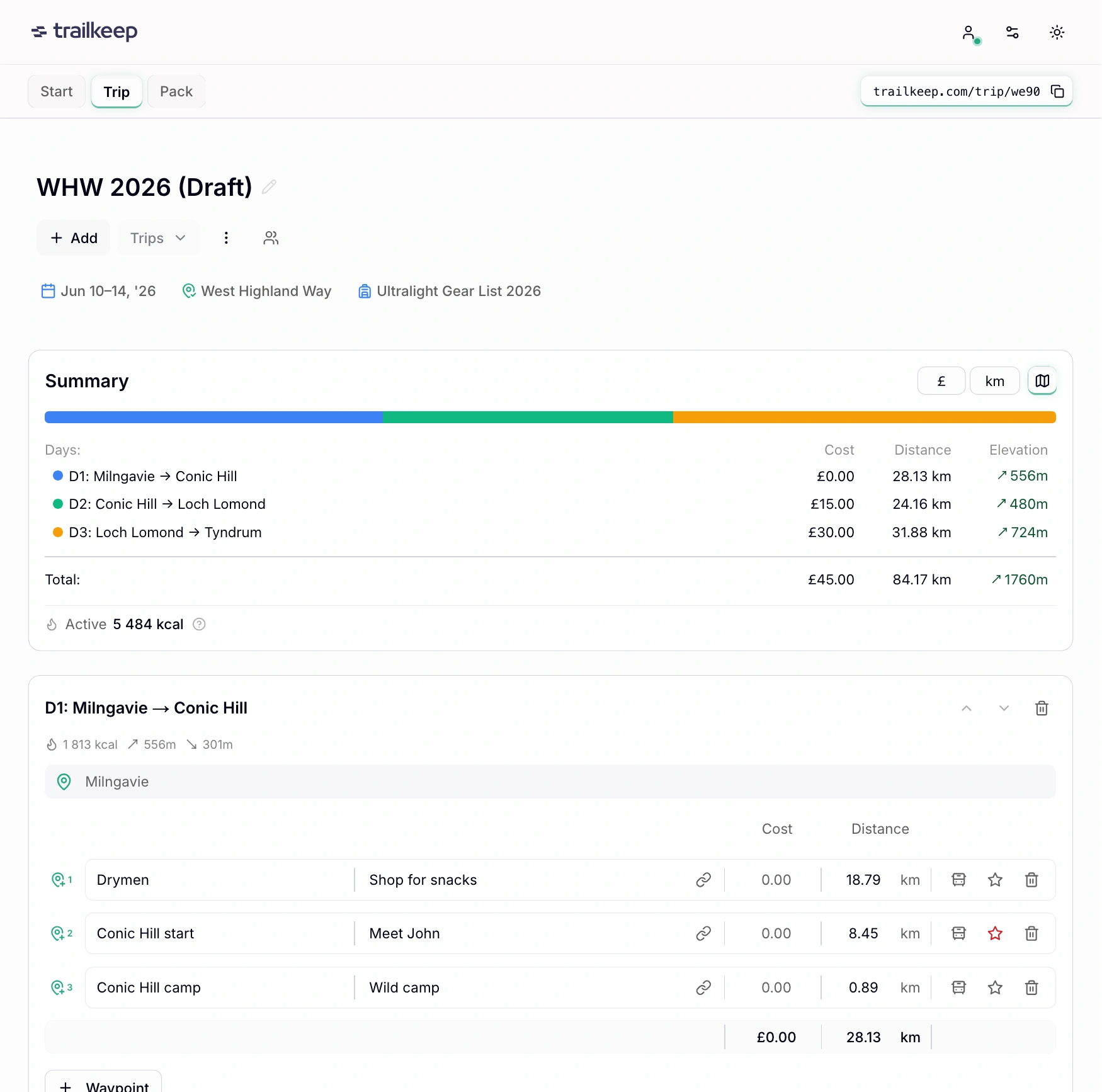
Sync-friendly tool to plan and manage multi-day trips
—share plans, progress, and chat.

2.1

Plan & Manage

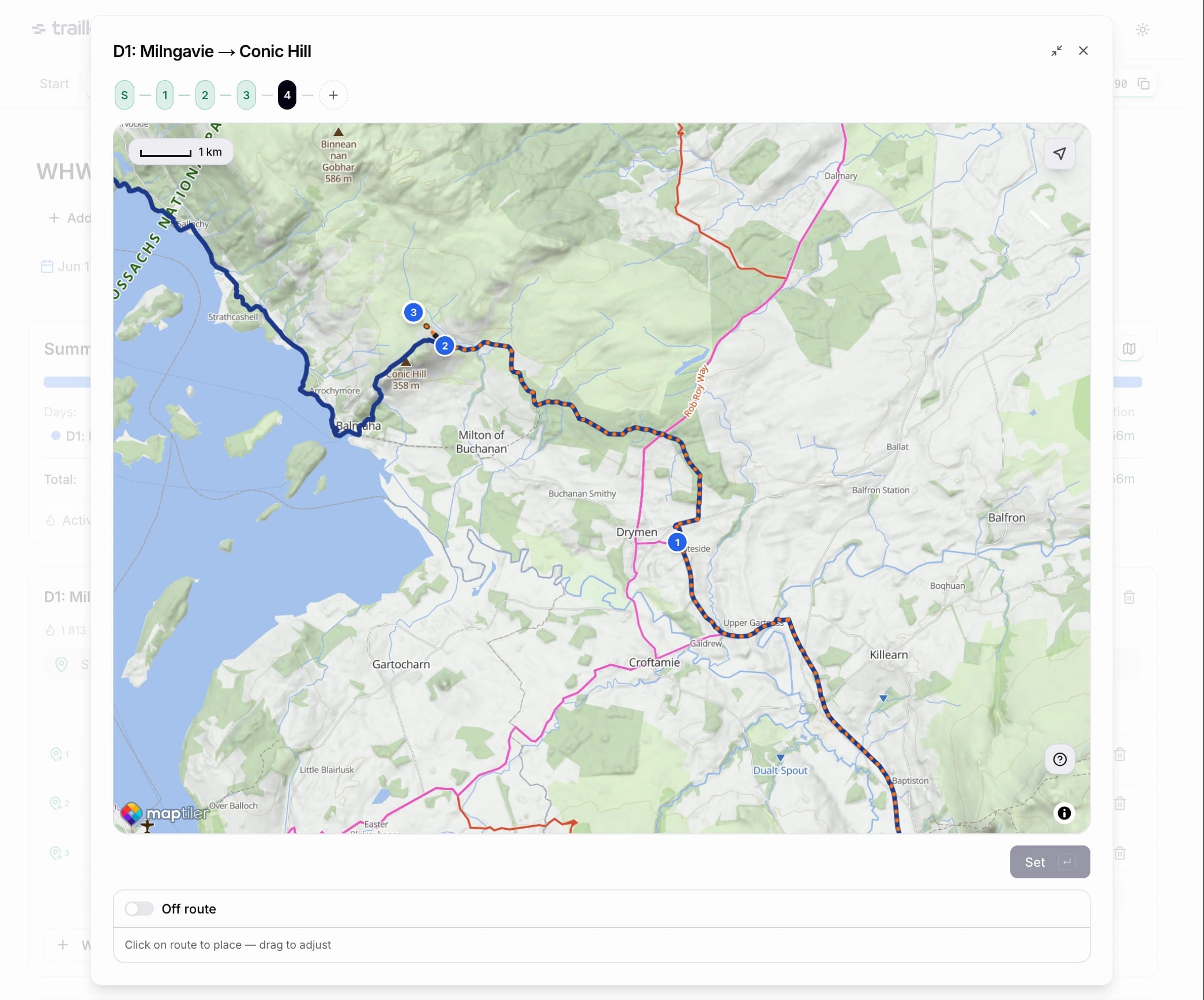
Build itineraries, check in daily, manage on trail.
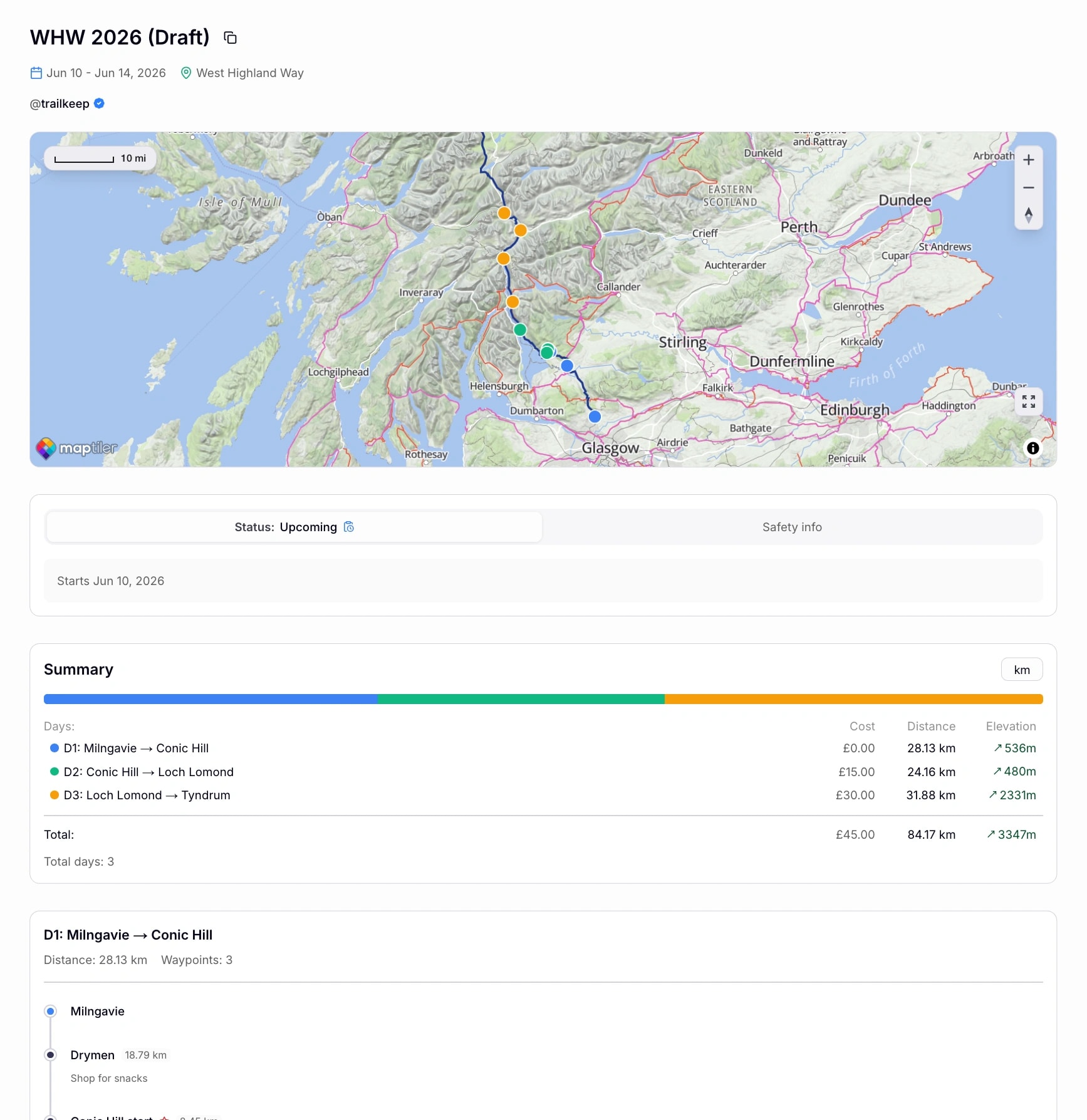
Share with pack attached or trip-only.
Supports privacy-first QR sharing.

2.2

Collaborative Editing

Invite others to help plan—real-time collaborative editing.

2.3

Notes

Trip-specific notes to reference while you're on the trail.

Designed for the organized adventure lifecycle: plan at home, share, manage on trail, iterate after.

Stay safe

Automated Alerts. Human Network.

Auto alerts, shareable status, and a QR layer anyone can scan.

1

Set Up Your Safety Network

Add emergency contacts, create your trip plan with daily itinerary, and share the link with family or friends. Contacts get notified if you're overdue—link recipients can track your progress.

✓ Add emergency contacts (auto-notified) · ✓ Create detailed itinerary · ✓ Share link (anyone can track and chat)
2

Safety QR (Local Backup Layer)

Print once, use forever—or share digitally. Park up and leave it on your dashboard, or share with people you meet on the trail. Shows trip status only—when you're overdue, full details appear so anyone can help.

✓ Status-only until overdue · ✓ Anyone can scan & opt-in · ✓ Perfect for solo hikers
3

Safety Timer Monitors Automatically

Configure your check-in window (24, 36, 48, or 72 hours). Each time you complete a day, the timer resets automatically. Running late? Extend it. Plans change? Update from trail.

✓ Flexible check-in windows · ✓ Auto-reset on completion · ✓ Manual extension available
4

Automatic Overdue Alert

If you don't check in on time, contacts (including Safety QR scanners who opted-in) receive an alert with your last known location. Works via email.

✓ One-time alert (not spam) · ✓ Last known GPS included · ✓ All contacts + QR subscribers

Not a satellite device replacement. Designed for trails where cell coverage exists but is spotty.

Technical specs

Offline-First. Battery-Friendly.

Works without signal. Syncs when you're back online.

Works Offline

Edit your plans, update waypoints—all without signal.

Auto-Sync

Even with 1-2 bars, everything syncs automatically.

Battery Matters

Less drain than messaging apps or GPS trackers. Every % matters.

How does the Safety Timer work offline?

Runs on our servers—your phone can be off for alerts to trigger. Timer extensions and check-ins need minimal signal (1–2 bars).

FAQ

Common Questions

Everything you need to know.

Yes. The app supports CSV import from LighterPack. You can also import other Trailkeep packs and trips via CSV export/import.

When you start a trip, a countdown begins based on your configured timeout (24, 36, 48, or 72 hours). Each time you complete a day, the timer resets. Running late? You can extend the timer from your trip dashboard. If the deadline passes without a check-in, an Overdue Alert activates automatically. Your Safety QR and shared trip link will show the alert, and emails are sent to your emergency contacts.

The app captures your GPS location (if available) and resets the Safety Timer to a fresh countdown. Your last known location is stored and shown on your shared trip page. This helps emergency contacts and rescuers know where you checked in last.

Your Safety QR creates a local safety net—left in your car or shared with people you meet on trail. Shows basic status normally. When overdue, shows GPS + step-by-step response guidance. Anyone can opt in for alerts. Opt-ins auto-delete when trip completes.

When a trip is active, you can chat with your contacts via the trip page. They don't need an account—just access the shared trip link. Chat polls every 10 seconds for real-time updates.

Yes. The app is a PWA (Progressive Web App) that caches your data locally. You can view and edit trips and gear lists without internet. GPS check-ins work offline and sync when you reconnect. Note: The Safety Timer is monitored server-side, so it continues counting even when you're offline.

Ready to Start Planning?

Build your pack. Plan your route. Head out with confidence.